
Practical guides
Solve the problem.
Understand the trade-off.
Straightforward help for copied text, image formats, batch resizing, screenshot privacy and safer photo sharing. Useful even if you never install an extension.
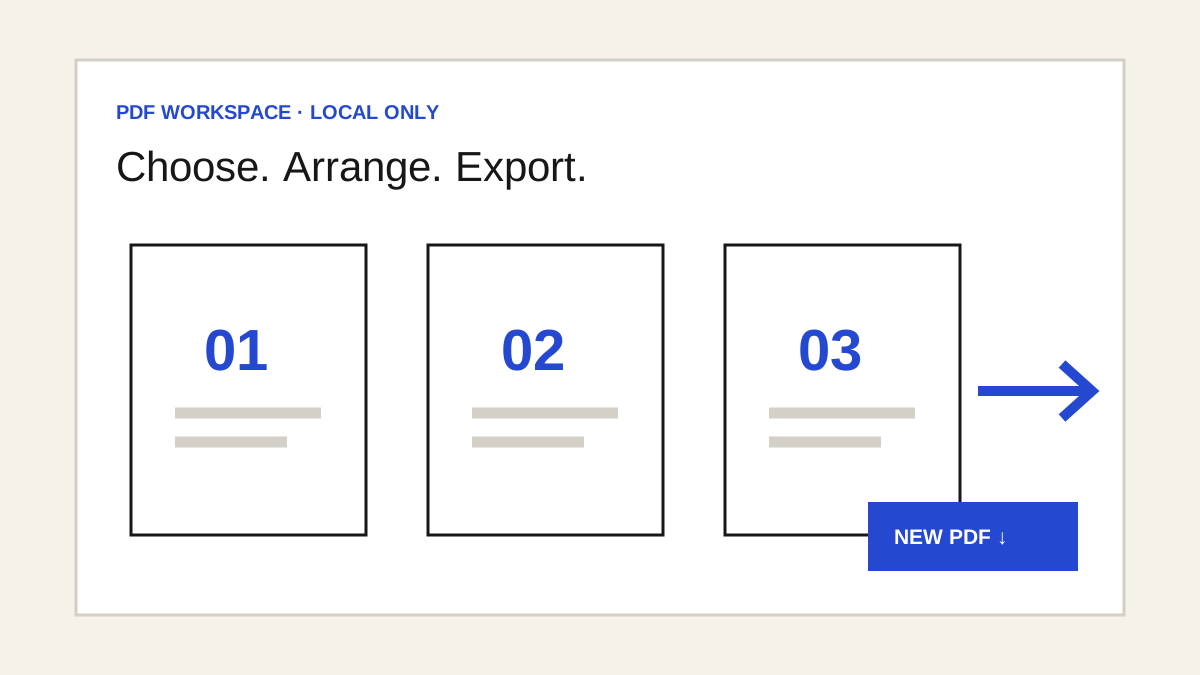 PDF privacy · 6 min
Check PDF details before sharing
Inspect metadata, cover visible values and review a new image-based copy.
PDF editing · 6 minHow to edit a PDF locally
Add visible marks, fill forms and check your exported copy.
PDF workflow · 7 minHow to work with PDF pages
Merge, crop, resize, interleave and convert locally, then check the final copy.
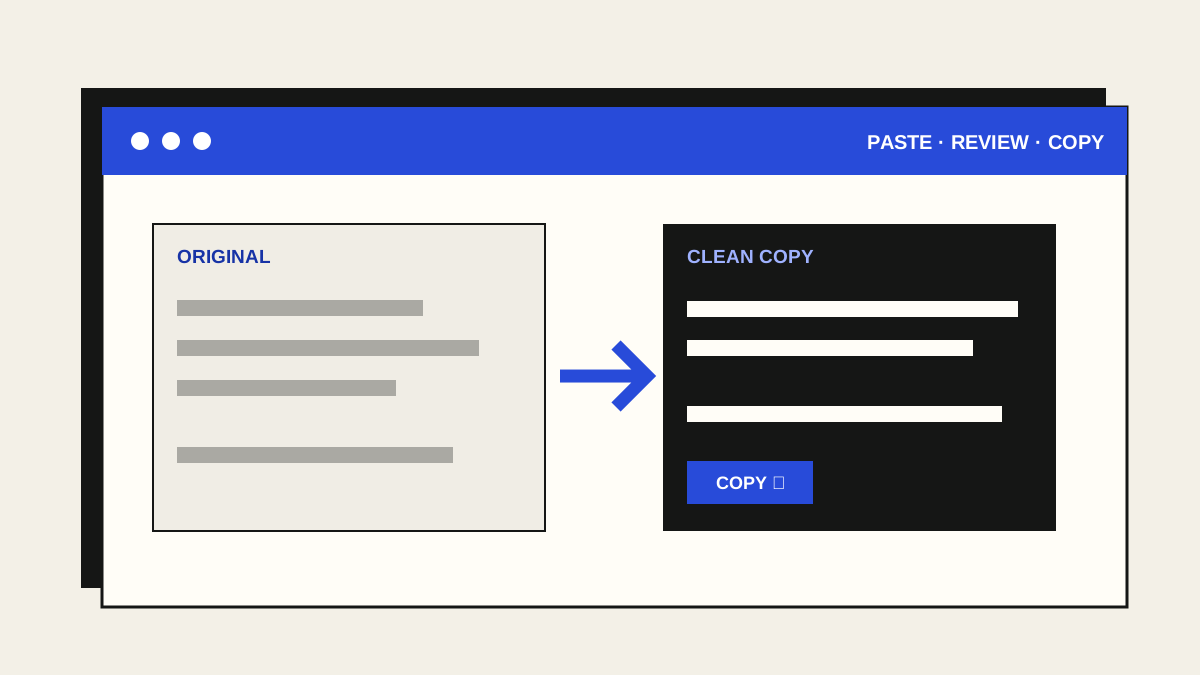 Text workflow · 5 min
How to clean copied text
Fix awkward spaces and PDF line wraps, then review a plain-text copy before using it.
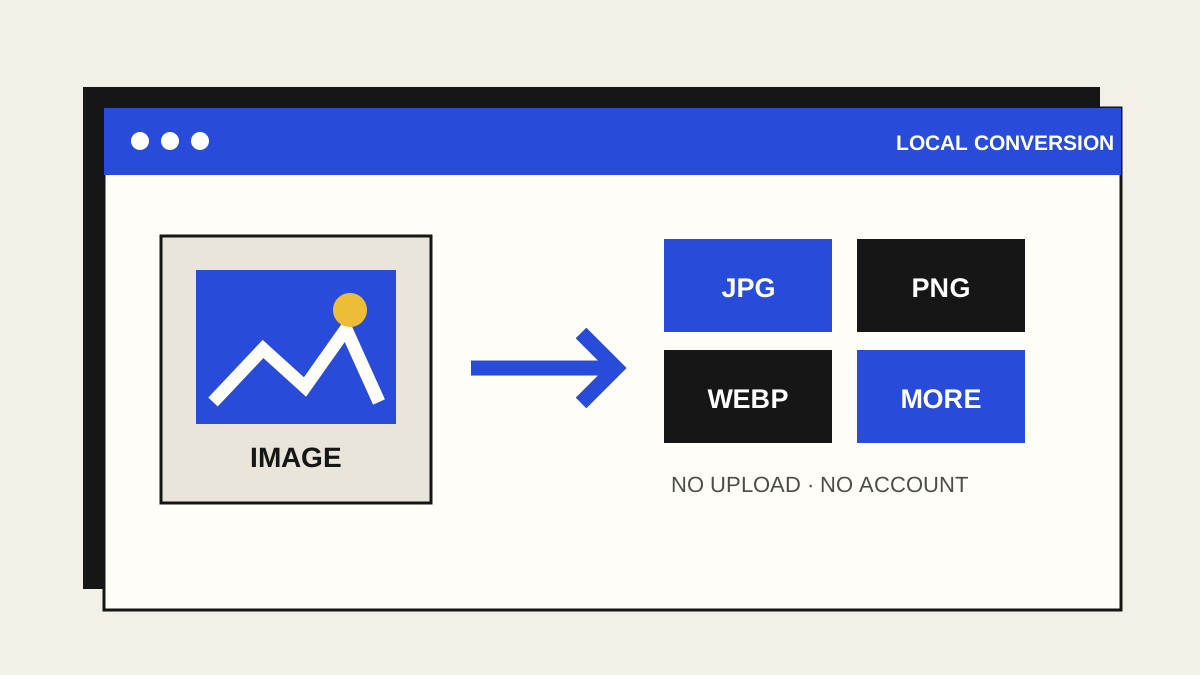 Image formats · 5 min
How to convert images locally
Pick an output format, keep your file on your device, and check the converted copy.
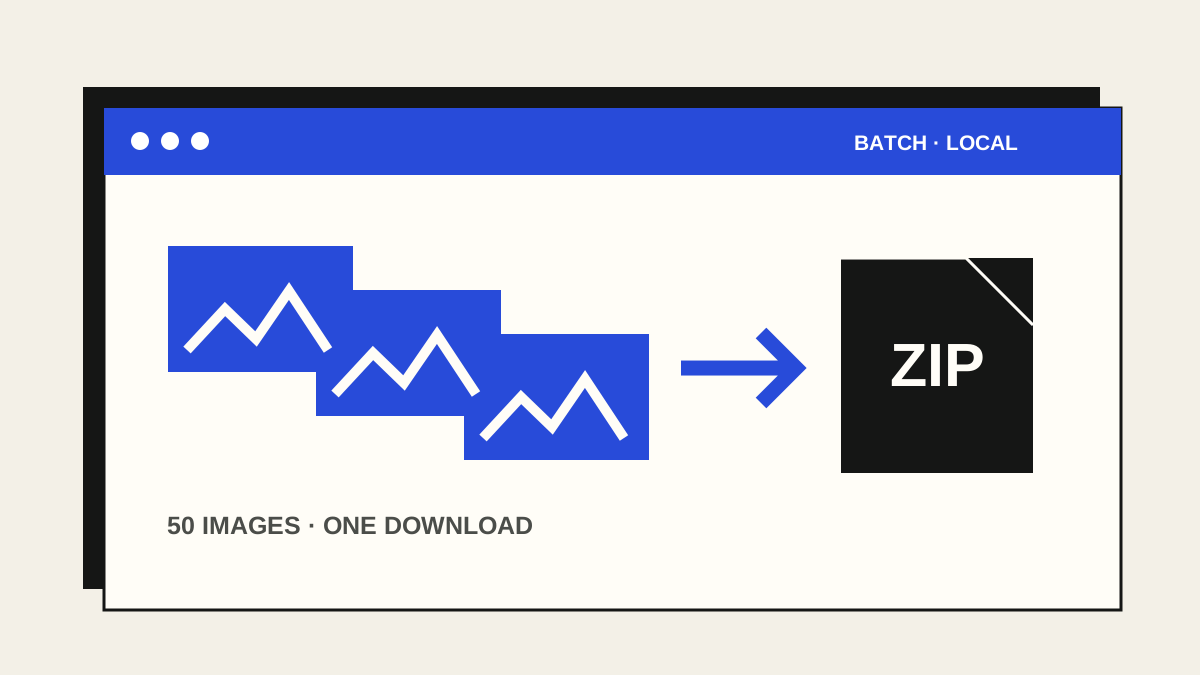 Image workflow · 5 min
How to resize images in bulk
Set dimensions and format once, then review up to 50 images in one ZIP.
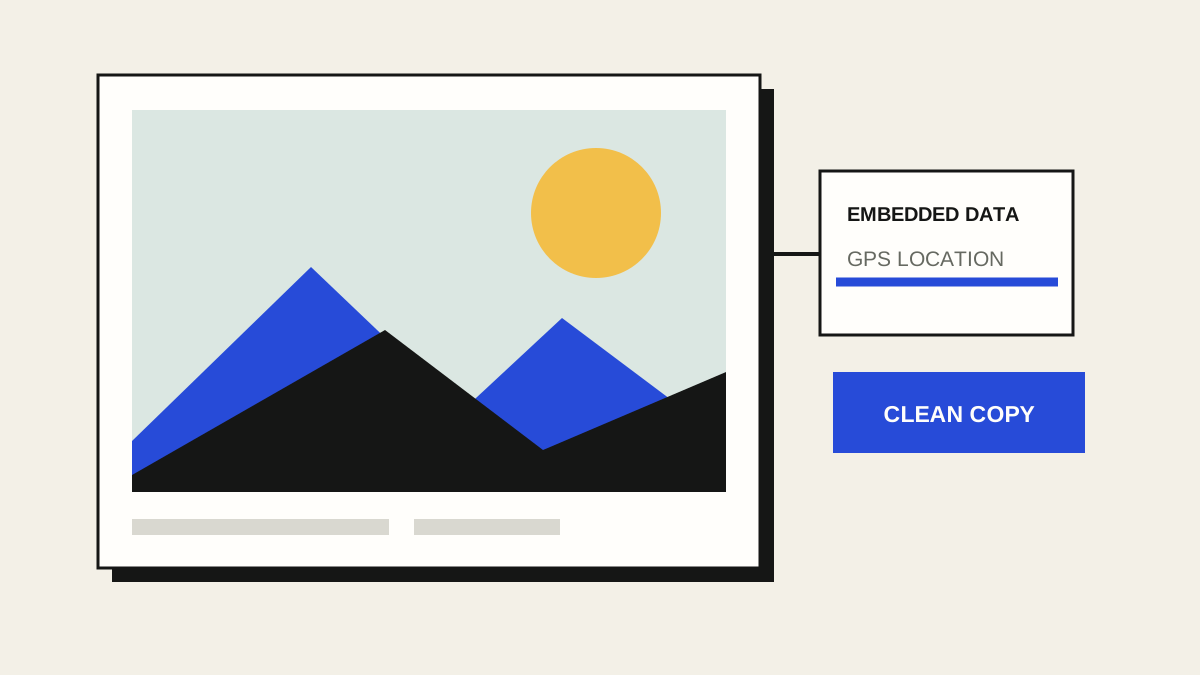 Photo privacy · 5 min
How to remove location data from a photo
Check embedded details, make a clean copy locally, and review it before sharing.
 Screenshot privacy · 5 min
How to share a screenshot safely
Cover private details, crop distractions, and review the clean copy before sending.
 Image formats · 4 min
How to save a WebP image as JPG
Choose the right method, preserve quality, and understand what happens to transparency.
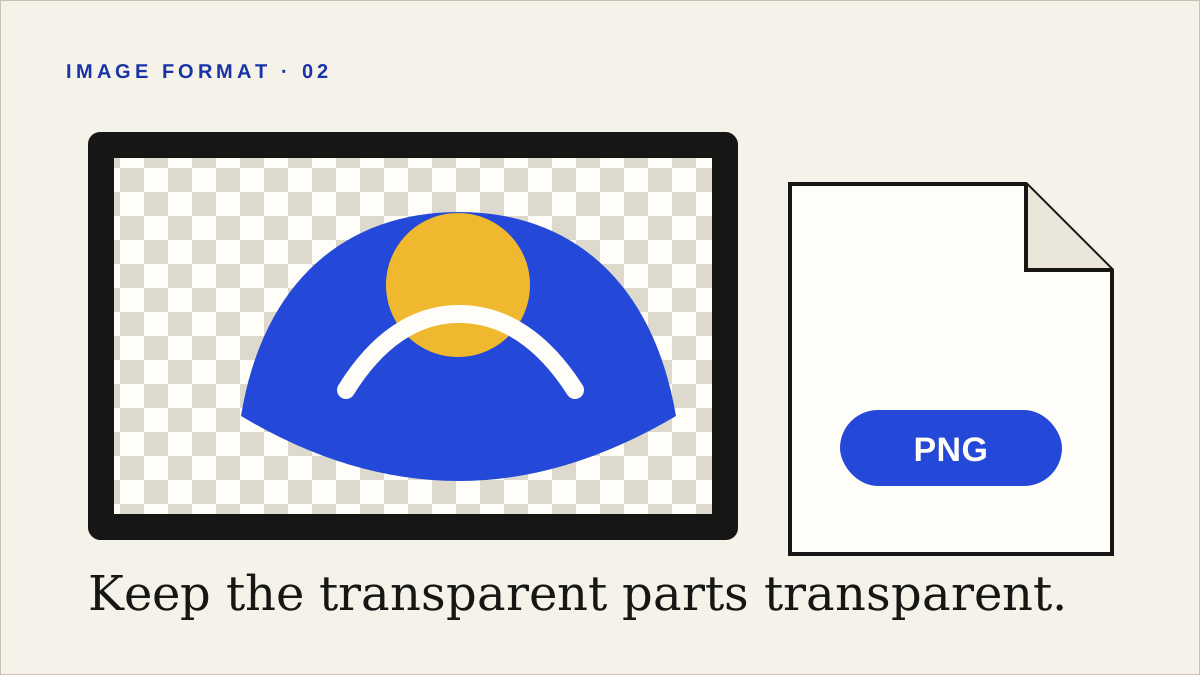 Image formats · 4 min
How to save a web image as PNG
Convert an image locally when you need lossless pixels or a transparent background.
 Image quality · 5 min
How to download the original full-size image
Find responsive and linked originals instead of saving a small displayed thumbnail.
 Explainer · 4 min
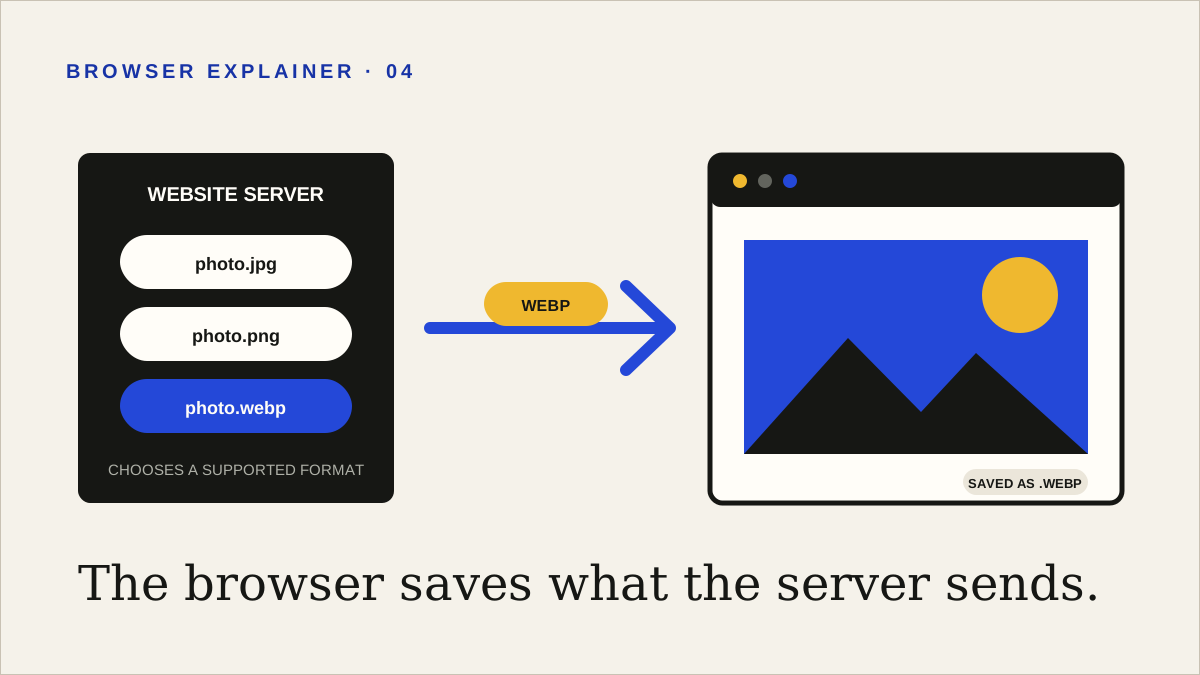
Why images save as WebP—and what to do
Learn why browsers keep returning WebP even when a page appears to show JPG or PNG.
Useful without the sales pitch
These guides explain practical methods first, state their limitations, and mention our tools when they offer a simpler route. Image conversion can change quality, transparency, metadata, and file size; the right format depends on what you need next.
Only download and reuse images you are authorised to access. A file being visible in a browser does not remove copyright, licence, privacy, or contractual restrictions.