
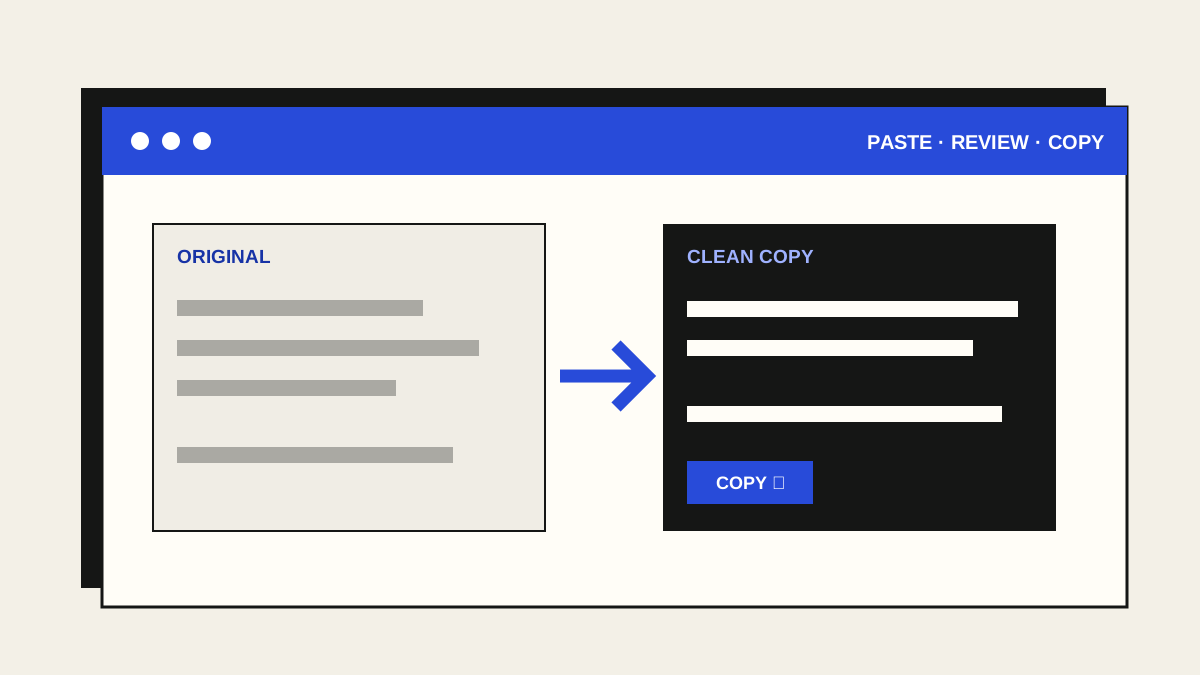
Text copied from a webpage or PDF can arrive with surprise fonts, odd spaces, invisible characters or a line break after every visual line. Before editing the wording itself, make a separate clean copy and compare it with the original.
1. Start with plain text
Paste into a plain-text field, such as PasteMemento's Original text box. The pasted content becomes text rather than carrying the source page's fonts, colours or links. This is useful for email drafts, forms and notes. If you need the original formatting or live links, keep a copy elsewhere.
2. Choose only the cleanups you need
Fix extra spaces replaces non-breaking spaces, repeated spaces and tabs with ordinary spacing and trims space at line edges. Limit blank lines leaves one empty line between paragraphs. Remove selected invisible characters removes zero-width space, word joiner, soft hyphen and byte-order mark; it keeps emoji joiners. Each option can be switched off immediately.
For code, tables or text in a language where spacing carries meaning, keep the spacing and invisible-character options off unless you know what needs removing.
3. Join PDF-style line wraps carefully
If a paragraph has a hard line break after every printed line, turn on Join wrapped paragraph lines. PasteMemento joins lines within a paragraph while keeping blank-line paragraph breaks. Blocks that look like lists are left alone. Headings, addresses, poetry and unusual lists can still need manual correction, so this option starts off.
4. Compare, copy and use the result
Read the original and result side by side. Check names, punctuation, list items and paragraph boundaries. Choose Copy clean text to paste it into another app, or Download .txt for a plain-text file. The source remains in the page until you clear it or close the tab.
Do not paste passwords, recovery codes or information you do not need into any website. PasteMemento runs the cleanups locally in your browser tab and does not send the text to EinstineWrites.

New free browser tool
Meet PasteMemento
Clean copied text with reversible switches, then copy or download the result. No account, upload, tracking or AI.
Open PasteMemento