Independent software studio
Small software.
Thoughtfully made.
Focused browser extensions and digital tools for everyday work—useful by default and respectful by design.
 EW / 01
One clear job.
Minimal permissions.
Honest pricing.
01Useful free versions
02Minimal data collection
03Plain-language policies
04Accessible interfaces
New free browser tool · Text cleanup
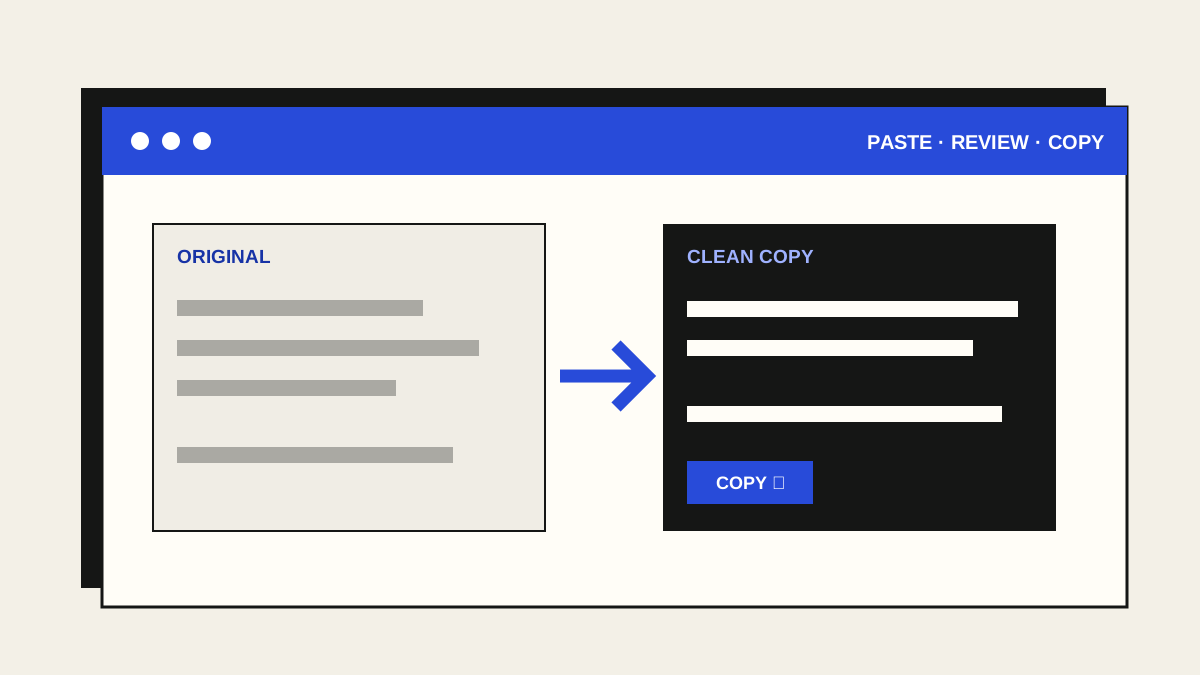
A clean copy of the words you meant to paste.
Paste awkward text from a PDF, page or document. Fix spaces and hidden characters, optionally join wrapped paragraphs, then review and copy the result. All in your browser, without an account, upload or AI.
Free browser tool
A cleaner screenshot, ready to share.
Paste an image, cover private details with solid blocks, crop what you do not need, then copy or download a clean PNG. Everything happens in your browser tab, without an upload or AI.

Five free browser tools
Choose the next small job.
Clean copied text, convert an image, resize a batch, cover screenshot details, or clean photo metadata. Each tool works locally, without an account, upload or AI.
The premise
Software should earn its place in your browser.
We are building focused tools that solve specific, repeatable problems without turning every feature into a platform. A product should be understandable before you install it and useful before you pay for it.
What is happening now
Tools and extensions · available now
Save a web image in the format you actually need.
ImageMemento adds focused right-click commands for the best available original, JPG, PNG, and WebP. The public 0.1.0 release processes images locally and requests host access only when necessary.
Explore ImageMemento →FormMemento remains publicly available for Chrome and Microsoft Edge.
Know what is hidden inside your photo.
Photo Metadata Cleaner checks a JPG, PNG or WebP for common GPS and other embedded details, then makes a separate cleaned copy locally. The original image stays untouched.
Open Photo Metadata Cleaner →New to photo metadata? Read the short guide.
How we build
A shorter list
of promises.
- Earn the install.The free version should solve a real problem. Paid features should add meaningful capability—not remove artificial frustration.
- Collect less.Permissions and data collection stay limited to what the product genuinely needs, explained before access is requested.
- Price plainly.No hidden charges, fabricated urgency, misleading trials, fake reviews, or confusing cancellation paths.
- Design for people.Readable contrast, keyboard access, useful labels, and responsive layouts are part of the product—not an afterthought.
Stay in touch
Building carefully.
Sharing honestly.
There is no launch newsletter or manufactured countdown. For product questions, accessibility feedback, partnerships, or early interest, write to the studio directly.
Email the publisherNew free browser tools · PDF
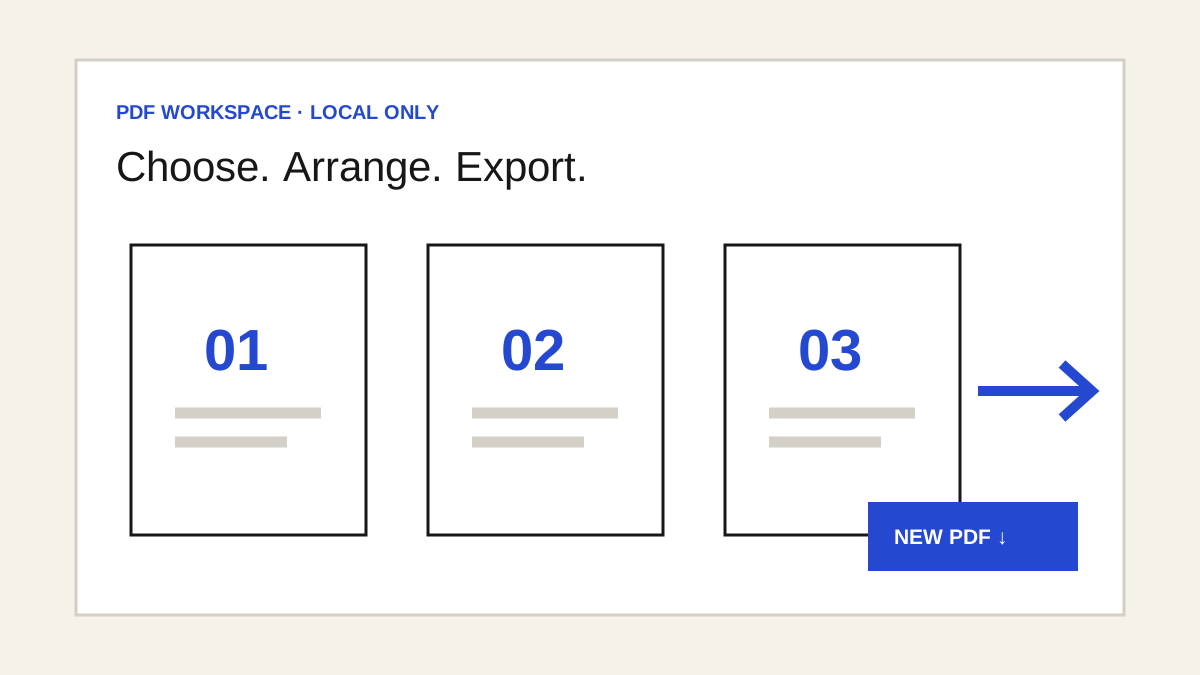
Several PDF jobs. One private workspace.
Merge and rearrange PDFs, crop or resize pages, interleave scans, extract or split pages, and convert pages to or from images. All inside your browser tab.
New free browser tool
Edit a PDF in your browser.
Add watermarks, notes or a visual signature and fill standard forms. Your file stays on your device.
Open PDF editorNew free browser tool
Check a PDF before sharing.
See common metadata, cover visible details and make a fresh image-based copy. Your file stays in the browser tab.
Open PDF privacy tool