01 / PHOTO METADATA
Spot and remove embedded details
This JPG has fictional camera, creator, capture time and GPS metadata. Open it in Photo Metadata Cleaner, download the cleaned copy, then open that copy again to check the result.
The sample coordinates are 0° N, 0° E; they do not identify a person or home.
02 / IMAGE CONVERTER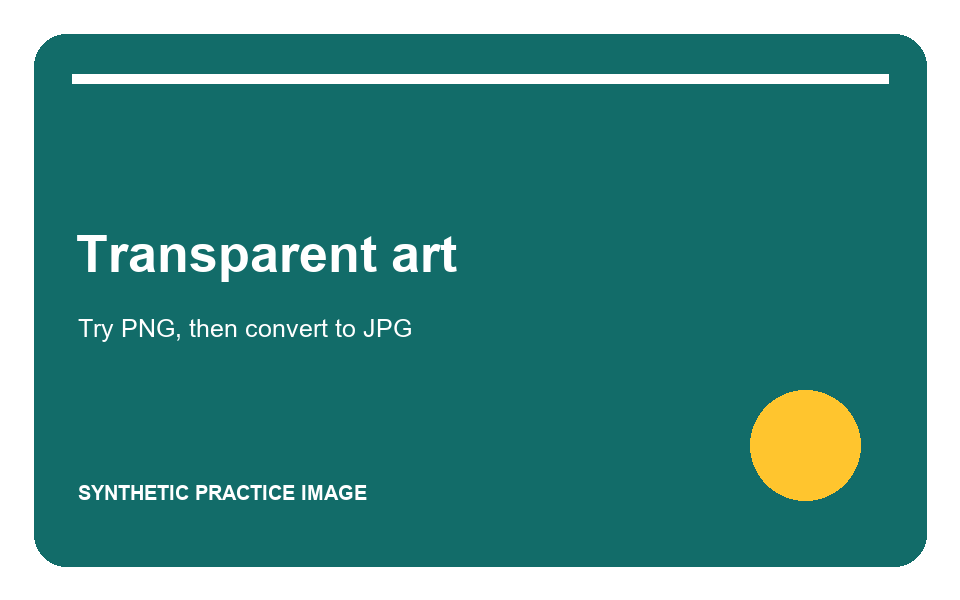
Try transparency and formats
Convert this transparent PNG to JPG and choose a background colour. Then try WebP or PNG and compare the downloaded result.
03 / BATCH RESIZER
Resize different shapes together
Download all three images. Select them together in Batch Image Resizer, set a maximum size, review each result, and download the ZIP.
04 / SHAREREADY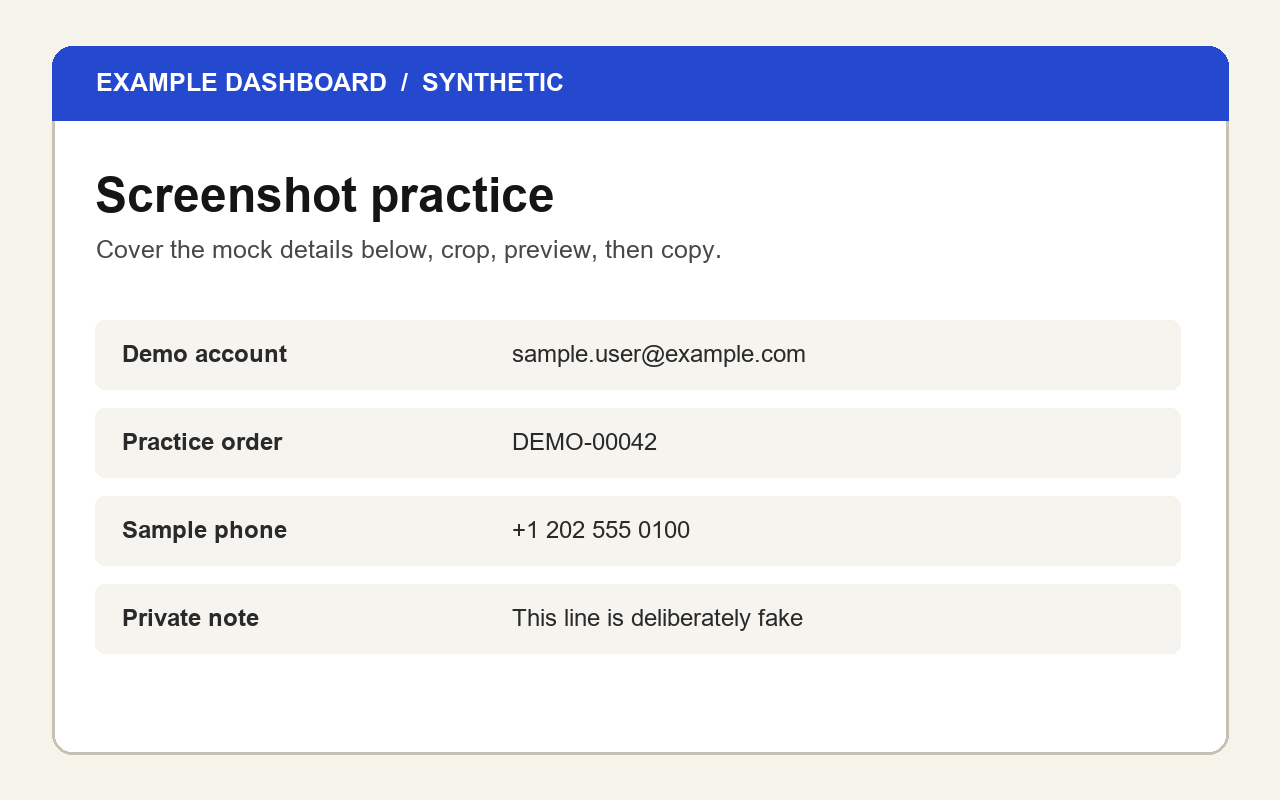
Cover and crop a screenshot
The mock dashboard includes fictional account, order and phone details. Cover a row with a solid block, crop the edges, inspect the final preview, then copy or download it.
05 / PASTEMEMENTOA line with awkward spacing.
A hiddenspace sits here.
One paragraph was
wrapped across lines.
Clean a messy paste
This text contains repeated spaces, a nonbreaking space, a zero-width space, extra blank lines and a wrapped paragraph. Download and open the TXT file, copy its contents, then paste into PasteMemento.
06 / PDF WORKSPACEDOCUMENT A
1 → 2DOCUMENT B
1
Try a PDF workflow
These two short, fictional PDFs are ready for a merge, page reorder, duplicate, crop, resize, split or image export test. Add both files to the PDF workspace.
07 / TWO-SIDED SCANFRONTS
1 → 2BACKS
2 → 1
Put a two-sided scan in order
These fictional PDFs represent front and back sides saved separately. Add fronts first, backs second, leave “Reverse second PDF” selected, and export. The result should read Front 1, Back 1, Front 2, Back 2.
08 / PDF EDITINGNAME
________PURPOSE
▾
Fill a fictional PDF form
Try text, checkbox and dropdown fields. Preview the result, then compare editable and flattened downloads. You can also use this file to try watermarks and notes.
09 / PDF PRIVACYSAMPLE
RECORDBLACK
COVER
Inspect and cover a fictional PDF
This PDF has sample author and title metadata, plus invented visible details. Inspect it, cover one value, export an image-based copy and compare the result.